Review Groups
Reviewer groups, such as technical assessors and the time allocation committee are configured by queue.
To view or edit a group, select “Queues” from the administrative menu and then select the relevant queue. Then scroll down to the “Groups” section of the queue page and select the group you wish to work with.
You will see a summary of any special access rights which members of the group have listed at the top of the page, above the table of current group members.
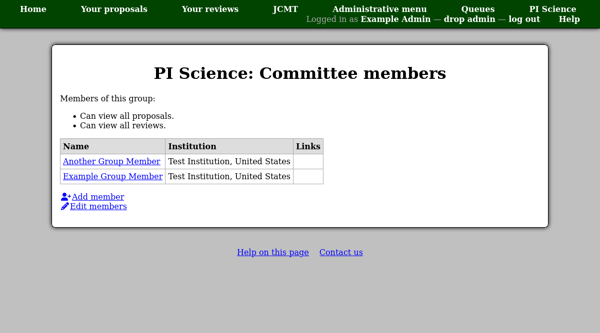
You can use the “Add member” link to add someone to the group.
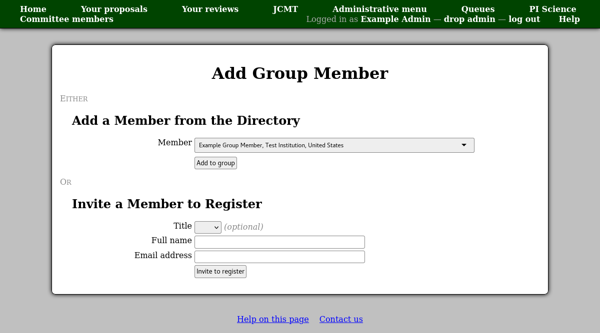
If you select them from the member directory they will be added immediately and will not receive an email notification.
If you invite someone by entering their name and email address, then they will be sent an invitation code by email.
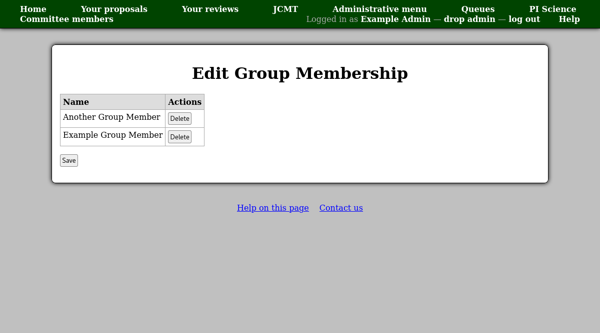
You can use the “Edit members” link to edit the current group membership. Currently the only option here is to delete members. Your changes will only be saved when you click the “Save” button at the bottom of the page.