Clash Tool Coverage
The “Clash Tool” is a utility which can be used to check observing targets for intersections with pre-defined areas of the sky. These areas are specified by uploading MOC files (in FITS format).
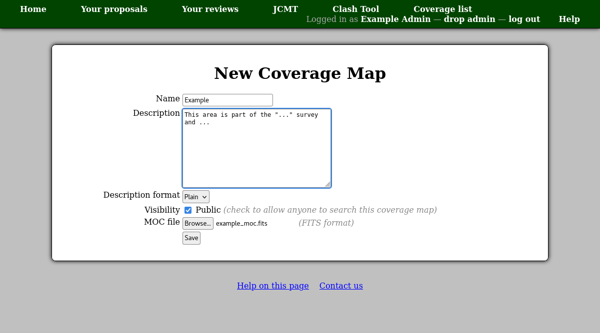
The sky coverage areas are managed from within the tool itself: to start the process, open the “Clash Tool” from the facility home page. Until some coverage areas have been defined, you will not be able to view the tool without administrative access. Follow the “View all defined areas of sky coverage” link and then click “New coverage map”. (This link will only be available when you view the coverage list with administrative access.) You can then enter the name and a description as well as selecting the file to upload. The name will be displayed — when someone using the tool finds a match — as a link to a detail page showing the description. It is therefore a good idea to make the name short but meaningful so that people can see what type of match they have found. The description can be used to give more details on how the clash area has been defined and what should be done if matches are found.
Example types of MOC files are:
Areas protected by survey projects. The description might include notes indicating under what circumstances observations in the region are prohibited.
Areas already observed by the observatory. If these are loosely defined (e.g. everything observed by a particular heterodyne instrument) the description might suggest searching the facility’s archive for the particular type of observation being planned (e.g. the specific molecular transition).